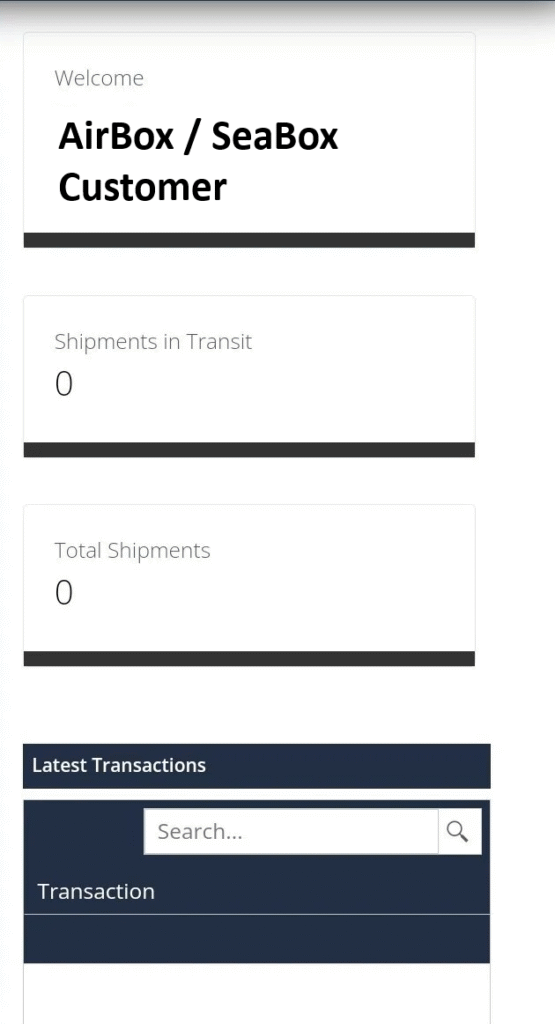
To log in to the Airbox/SeaBox portal, please go to our website: https://airandseabox.com/ > click on “Sign In View Shipment“. If you have utilized this new system already, you can log in with your email address as Username & enter the password you have assigned the account.
For first-time users to the new Portal: click on “Sign In View Shipment” > Username: enter your email address on the account & Password: select “Forgot Password”. You will be emailed a password reset token, and using the token you can set a new password to log in.
STEP 2
Once you have logged in to the Dashboard, you can Pre-Alert packages that are in transit to the Miami warehouse, by selecting the “Pre-Alert” button on the left. This way, once items are received you can rest assured that the invoice and value would be available in a timely manner for Customs submission.
This is also especially useful for shipments that have been dispatched by the supplier and you are aware that pertinent info has been omitted from the shipping label which would cause delays in processing and also shipping the item.
This would include details such as your Suite# and Dept #, Name on the Account (eg. if you have an online registry and persons are purchasing items in their name and sending to your account) etc.
STEP 3
Additionally, you can check existing Warehouse Receipts and upload your invoice and value for Customs purposes. At the bottom of each WR email, you can click on the “Pre Alert” link to indicate the USD value as well as upload the relevant invoice/screenshot.
Note that in some instances, due to the formatting of the file being uploaded, you may receive an error message as follows: “Validation failed for Invoice”. You may proceed to click “OK” and then “Submit Pre-Alert”. In spite of the error message shown, the invoice and value will be successfully received and uploaded within the system.
Airbox / SeaBox will be relying on invoices uploaded for Customs submission, to assist as much as possible for accurate Duty and Vat to be applied during the Clearance process.
Please feel free to contact us with any queries or for further guidance on utilizing the new Customer Portal.